Same network
Both devices on the same Wi‑Fi, or one hotspot and the other joins.
Start sharing on your phone. Anyone on the same Wi‑Fi or hotspot scans the QR with the camera or any browser and downloads — no WiFi Files install required on their side. Also migrate contacts, photos, and app files, plus on-device similar-photo cleanup.
Try free: limited file downloads and similar-photo scans each day, plus one migration. Unlock more in-app, or watch a rewarded ad.
Wi‑Fi or hotspot · receiver needs no install · no account required
Choose your mobile platform
Opens the store for your device
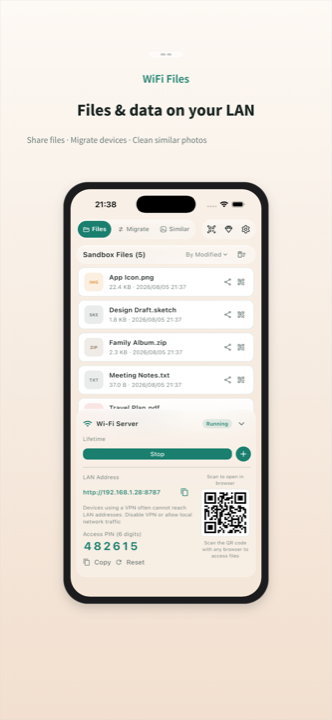
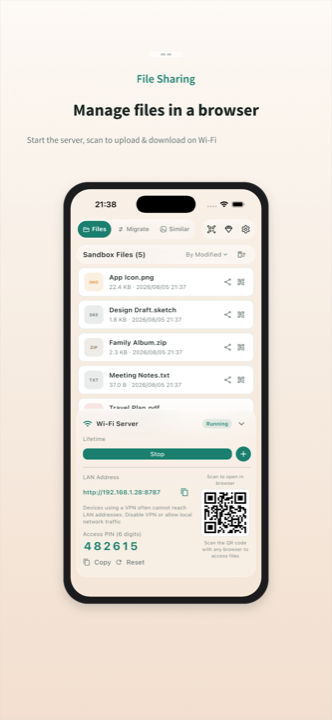
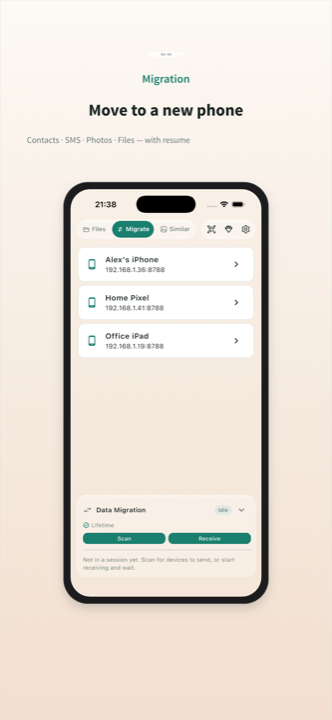
Both devices on the same Wi‑Fi, or one hotspot and the other joins.
Open the file server in this app and show the page or file QR code.
Camera or any browser scans the code and downloads — no app install.
Key point: the other phone does not need this app. Same LAN, scan a QR, download in a browser. Web page or single-file codes — no cloud sign-up.
Connect two phones on the same network; migrate contacts, photos, and files in the app.
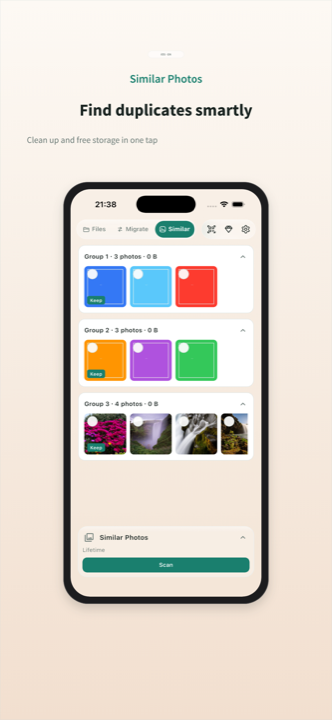
Scan your library on device, group similar shots, and free up storage.
Core transfers stay on your devices and LAN — we do not host your files.